Create a custom label with AI
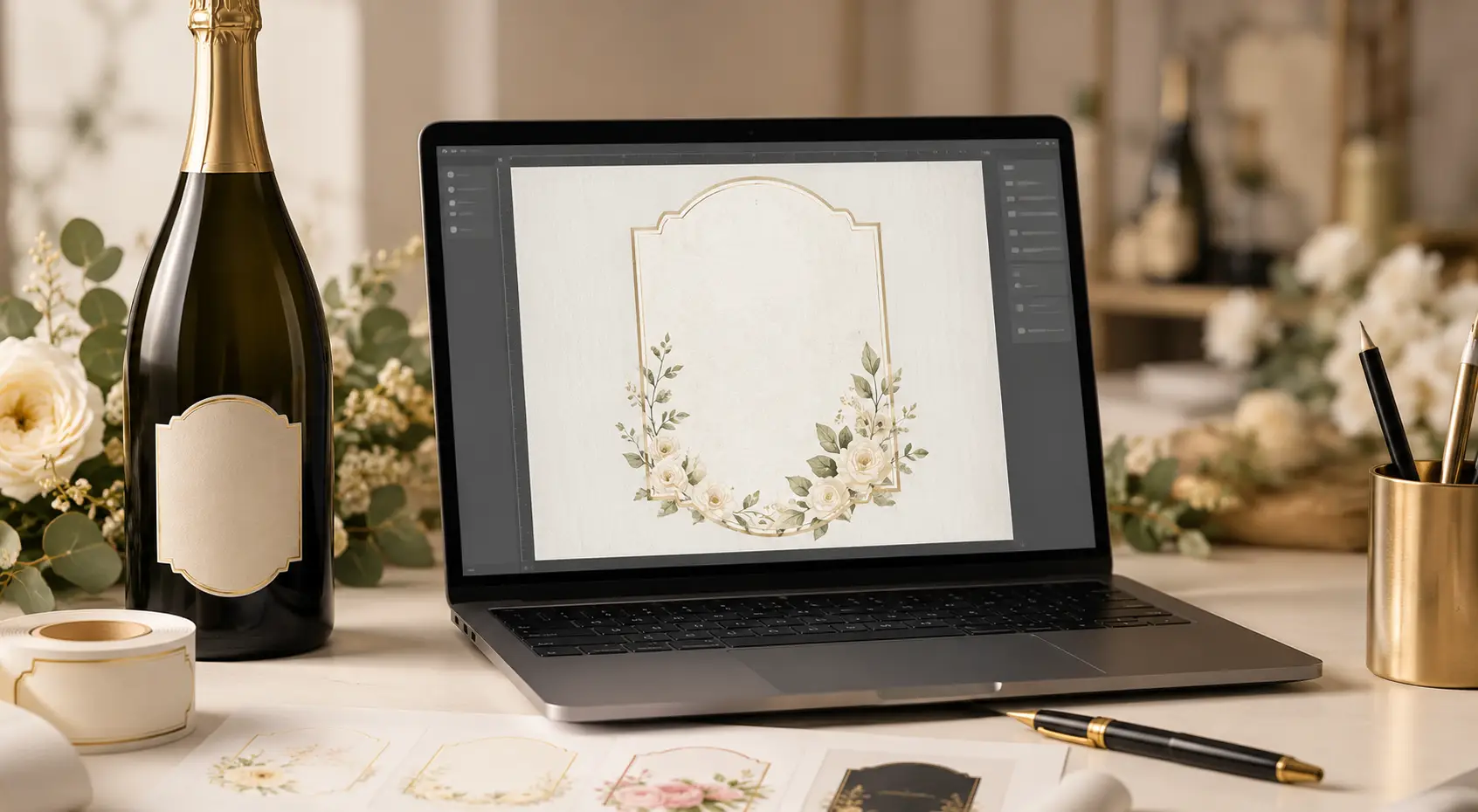
Discover the new Custengine AI assistant
Votre Étiquette is taking online personalization to the next level with the arrival of its AI assistant integrated into the Custengine editor. It is now possible to generate a personalized label from a simple written description, then edit it directly with artificial intelligence.
A new way to create your personalized labels
Until now, creating a personalized label required choosing a template, editing the text, adjusting colors, moving graphic elements, and testing several versions before achieving the desired result.
With the new Custengine AI assistant, this step becomes much simpler: you describe your idea, the artificial intelligence generates a visual proposal, and then you can request changes as if you were talking with a graphic designer.
The goal is clear: to make creating personalized labels faster, more intuitive, and more accessible, even without design skills.
How does the AI assistant work in Custengine?
You start with a blank label in the Custengine online editor. You open the AI assistant, enter a text request, then let the artificial intelligence automatically generate a first label.
Once the visual is created, you can continue customizing by giving new instructions to the AI. For example:
- change the overall style of the label;
- change the colors;
- adjust the graphic mood;
- add or remove decorative elements;
- improve the look for a wedding, a birthday, or a corporate event;
- get a version that is more elegant, more modern, more festive, or more premium.
Each request provides a new proposal, without starting over.
Create a label with a simple sentence
One of the great advantages of this new option is its simplicity. You no longer need to know how to use complex graphic software. You can simply write a natural request such as:
Create an elegant label for a wedding crémant bottle, with a black and gold style, subtle flowers, the couple’s first names, and a high-end feel.
The AI assistant then analyzes your request and generates a label tailored to your description. You can then edit the result directly in the editor.
Edit your label with artificial intelligence
The real strength of Custengine is not limited to the initial generation. The editor also lets you edit a label with AI.
If you like the first result but want to improve it, you just need to provide a new instruction:
- “Make the label more luxurious.”
- “Add a softer floral vibe.”
- “Change the background to a more natural style.”
- “Keep the same feel but make the text more readable.”
- “Adapt this label for a champagne bottle.”
This approach makes personalization much smoother. The user can test several ideas, compare results, and refine the creation until the label matches the project exactly.
What types of labels can you use the AI assistant for?
The Custengine AI assistant can be used for many personalized creations:
- personalized label for a champagne bottle;
- crémant wedding label;
- personalized wine label;
- craft beer label;
- label for a spirits bottle;
- label for honey, jam, oil, or a food product;
- label for a candle, sugared almonds, or a guest gift;
- event label for a birthday, baptism, birth, or company party.
Whether you are an individual preparing an event or a professional looking to create a product range, AI helps save time while providing an original graphic starting point.
A tool designed for individuals and professionals
For individuals, the AI assistant makes it easier to create unique labels for life’s big moments: weddings, baptisms, birthdays, retirement parties, family celebrations, or personalized gifts.
For professionals, it offers a fast way to create graphic directions for bottles, food products, gift sets, limited editions, or commercial events.
Winemakers, brewers, beekeepers, restaurateurs, wine merchants, caterers, artisans, and brand creators can test several creative directions before finalizing their label.
Why use AI to create a personalized label?
Artificial intelligence does not replace your idea: it turns it into a visual proposal. You remain in control of the customization, the text, the style, and the final result.
The main benefits are:
- significant time savings;
- more accessible creation;
- the ability to quickly test several styles;
- valuable help for people who lack inspiration;
- more flexible personalization;
- a result suited to printing personalized labels.
Custengine: an online editor enhanced by artificial intelligence
Custengine is the online editor used by Votre Étiquette to allow each customer to personalize templates directly from their browser.
With the addition of the AI assistant, the editor becomes more than a simple customization tool: it becomes a true creative assistant.
The user can start from a blank page, generate a proposal, adjust the design, edit the text, then prepare the label for printing.
The editor is available at: https://app.votre-etiquette.com/en/
Use case example: create a wedding label with AI
For a wedding champagne or crémant bottle, you can ask the AI assistant:
Create a personalized label for the wedding of Camille and Antoine, with a refined style, ivory and gold tones, elegant typography, and a romantic feel.
The AI then generates a proposal that you can adapt:
- by adding the wedding date;
- by indicating the reception venue;
- by changing the colors;
- by adding flowers, ornaments, or a photo;
- by adapting the format for a champagne, crémant, or wine bottle.
An AI assistant to go from idea to printed label
The new Custengine AI assistant was designed to support the user from the very first idea. It helps turn an intention into a visual, then improve it progressively.
It is an ideal solution for those who want an original personalized label, but do not always know where to start.
In just a few steps, you can get a personalized creation that is consistent with your event, your product, or your brand.
Try the Custengine AI assistant
Do you have a label idea? Simply describe it and let artificial intelligence help you turn it into a personalized creation.