Birth bottle label: choose a design and material
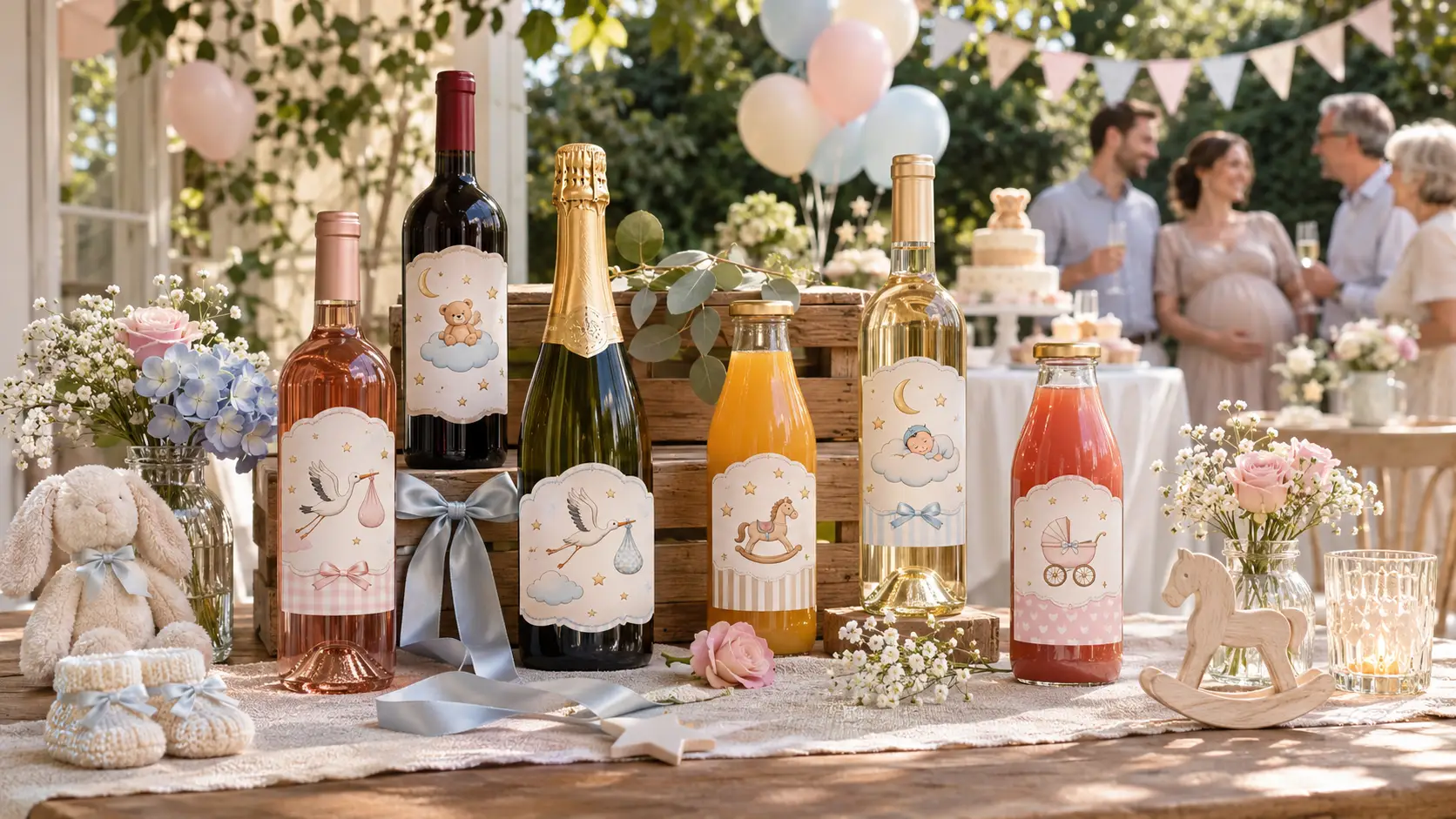
A baby birth bottle label transforms wine, champagne or juice into a family keepsake. The design, format and material are chosen according to the bottle, then the file is checked before application. This way, you can order the right label, suited to your bottle and to being kept chilled.
Which personalized label designs should you choose for a birth?
The choice of design depends first and foremost on the event. The same bottle can announce a pregnancy, celebrate a birth or decorate the table at a christening. Each of these uses calls for its own text, date and layout.
Distinguish between pregnancy announcement and birth
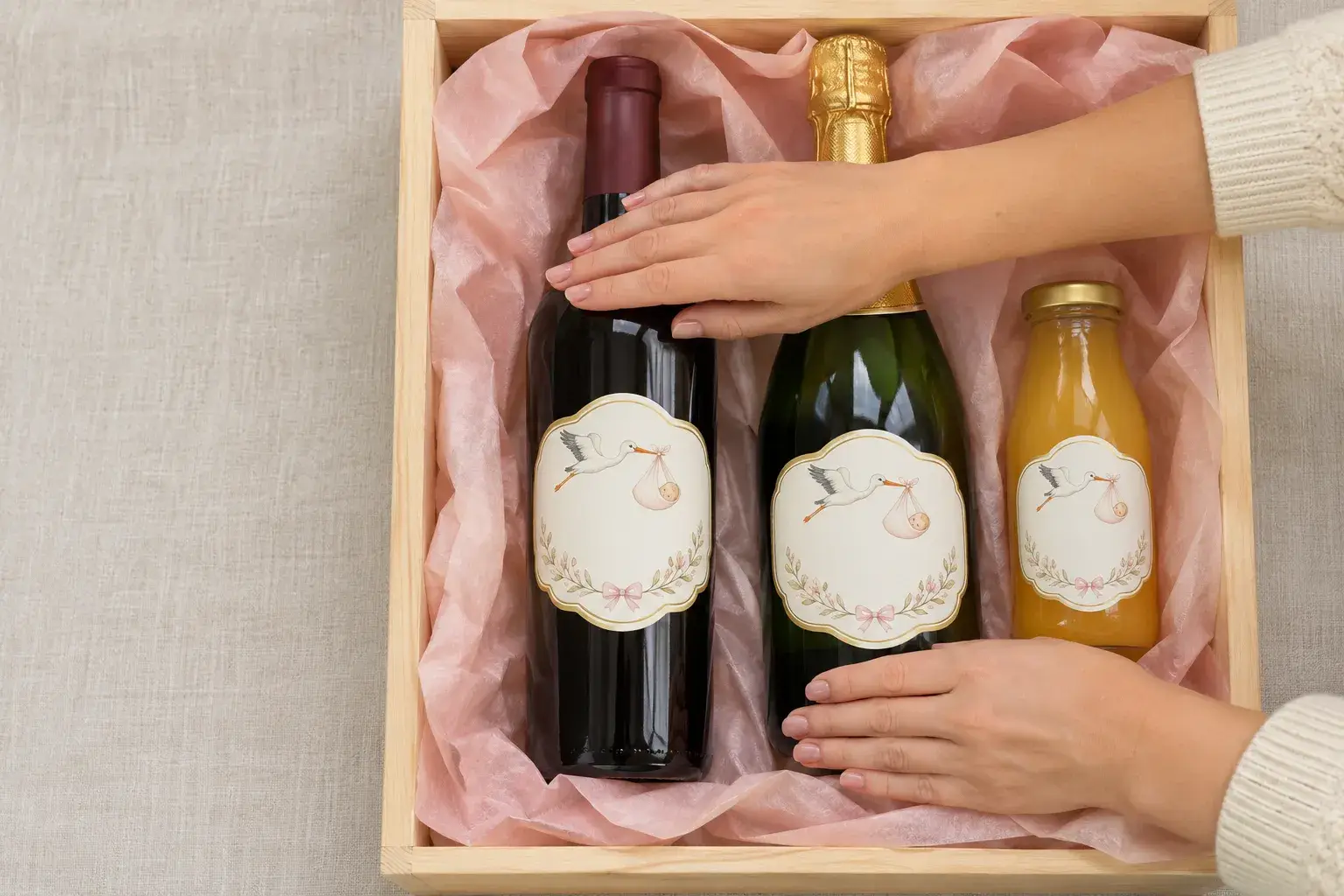
A pregnancy announcement refers to a baby on the way. In contrast, a personalised birth label celebrates an actual arrival: the message and date should follow this logic. For future grandparents, “You’re going to be grandparents!” works well, along with the expected due date. Once the baby is born, the first name can take centre stage in the design, accompanied by the actual date and a short message such as “Welcome [First Name]”.
Adapt the design for the christening
The Votre Étiquette special cuvée personalized label template features a baby in pastel tones, surrounded by stylized storks. Its original format is 75 × 100 mm. For a baptism, this personalised bottle label can feature the child’s first name, the date of the ceremony and a design matching the décor. Earlier on, a personalised godparent proposal label can be used to ask a loved one to be a godfather or godmother, with a short message attached to the gifted bottle.
Colours follow the same logic. For the birth of a baby girl, the personalised bottle label can feature pink or pastel shades. Beige, stars and animals are suitable for a neutral design, appropriate for both a birth and a christening.
Customize text and visuals
In the Votre Étiquette editor, text, colours, images and logos can be edited directly. On the “special vintage” template, the vintage name and messages can also be changed. A stork, a first name, a date: every element can be adjusted without software.
A birth photo can take centre stage on the label or cover its entire surface. The text can then be placed beside it or over it. A fully illustrated design is also available for those who prefer not to show the baby's face.
Votre Étiquette also offers a 100 × 80 mm pregnancy announcement template, from a range of personalized labels designed for pregnancy, birth and baptism. When no design is suitable, the AI assistant integrated into the editor creates a label based on your instructions.
Which shape and dimensions should you choose for your bottle?
A beautiful design is not enough: it must fit the application area. No universal size is suitable for all bottles decorated for a birth. The shape, diameter and height vary from one container to another.
Choose a shape and a small size
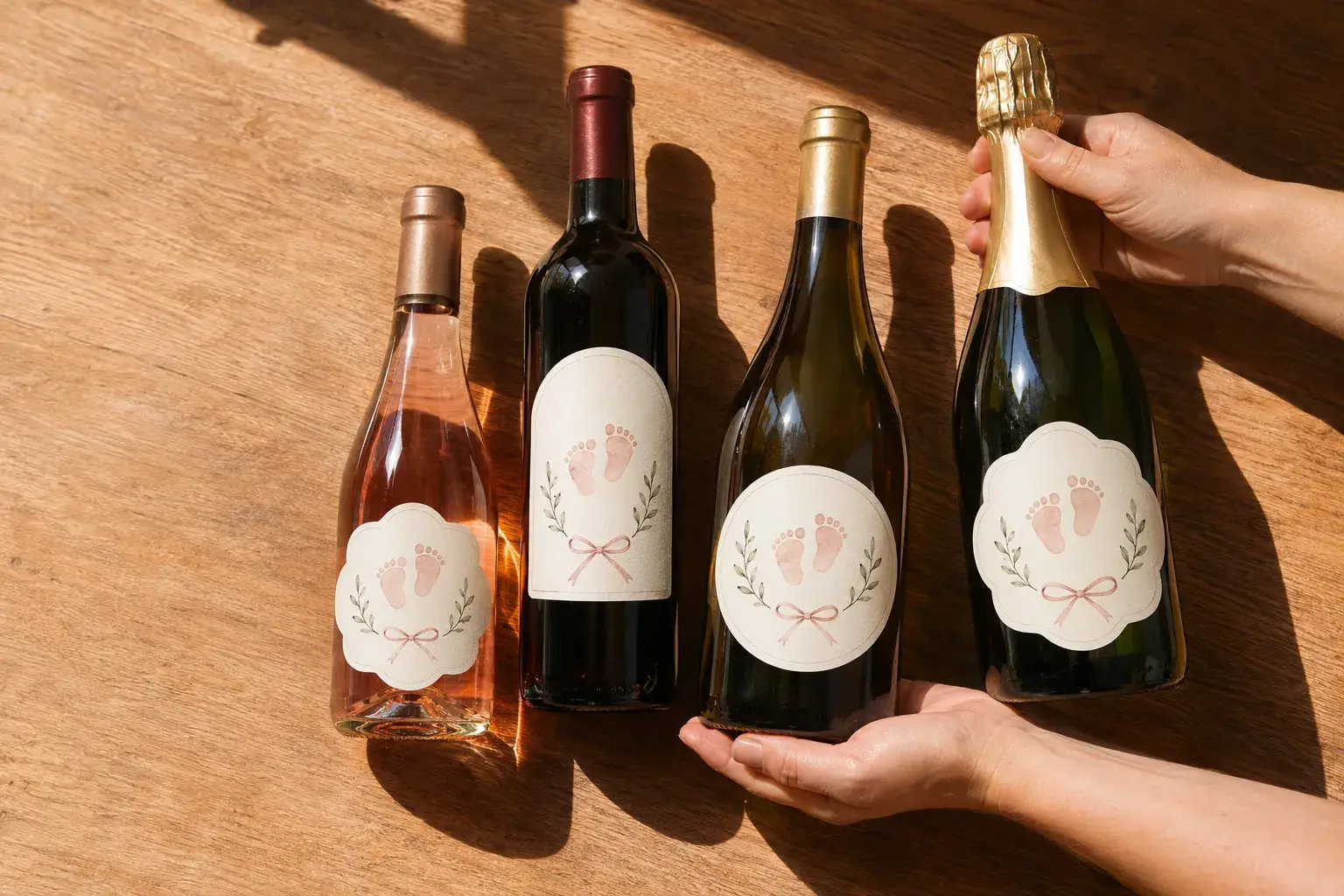
A bottle label can be rectangular, square, oval or round. Votre Étiquette also lets you change the shape of its templates and choose a custom cut. A round custom label does not take up the same application area as a rectangular one.
- 5 × 7 cm an indicative format for a small bottle, focused on the first name and date.
- 6 × 8 cm a little more space, with the same hierarchy: first name, then date.
- Square 75 × 75 mm a format available on the French market, without being a standard.
Size a wine bottle label
For a personalized 75 cl wine bottle, a size of 80 × 100 mm or 90 × 120 mm is a good starting point. These dimensions, commonly used for a wine bottle label, should still be checked against the actual container. Other commercial sizes are available, as summarized below.
A 9 × 12 cm vertical format may wrap around a narrow bottle. Conversely, a panoramic format is suitable for a large-diameter bottle if its curvature and the joining of the edges allow it.
| Format (75 cl wine bottle) | Status |
| 80 × 100 mm | Starting point to be checked |
| Format (75 cl wine) | Status |
| 80 × 100 mm | Starting point to check |
| 90 × 120 mm | Starting point to check |
| 80 × 120 mm | Standard commercial format |
| 90 × 110 mm | Standard commercial format |
| 100 × 120 mm | Common commercial format |
| 90 × 120 mm | Starting point to check |
| 80 × 120 mm | Standard commercial format |
| 90 × 110 mm | Common commercial format |
| 100 × 120 mm | Common commercial format |
Adjust a champagne label and a magnum
For a personalized 75 cl champagne bottle, a sales guide indicates a champagne label of 100 × 130 mm on the front. It provides 90 × 100 mm for the back label. The sloping shoulders of this container mean that the application area must be checked. On a magnum, simply enlarging the standard template is not enough: the actual available surface must be measured.
In practice, measure the width, height and circumference of the application area for wine, champagne or juice. A paper prototype placed on the actual bottle then reveals any folds and overlaps. Once this template has been approved, the range of pregnancy and birth labels is compared shape by shape.
Which material and adhesive are resistant to moisture?
Once the format has been decided, the next question is where the bottle will go: on a dry buffet, in the refrigerator, or in an ice bucket. The difference lies in the material chosen, then in the adhesive.
Compare papers and films
Plain paper is best suited to a bottle kept dry. Matte paper offers a soft, low-reflection finish, but remains sensitive to water without suitable protection.
Glossy paper makes colours more vibrant. Textured paper creates a natural look. For both materials, moisture resistance depends on the selected product and finishes.
- White polypropylene More resistant than ordinary paper to condensation and rubbing.
- Transparent film let the glass show through, sometimes with a white backing to keep the text legible.
The special cuvée design illustrates this choice: stork birth label Available in matte, glossy, semi-gloss, or plant-based paper.
Distinguish between cold, condensation and immersion
According to a technical guide, paper and plastic materials generally withstand refrigerator temperatures, between 2 and 8°C. This cold resistance does not prove water resistance. A bottle of champagne taken out of the fridge may become covered in condensation.
For an ice bucket, the label material, printing and adhesive must all withstand contact with water. A technical test consists of leaving the label on a glass bottle for five days. It is then immersed in an ice bucket for at least four hours.
Choose the adhesive according to the application method
A water-resistant printed surface does not guarantee adhesion to wet glass: the substrate and adhesive must be assessed together. A permanent adhesive is designed for long-lasting hold. For its “special vintage” design, Votre Étiquette offers a choice between permanent adhesive and water-soluble adhesive in the editor.
Applying to a dry bottle before refrigeration remains the straightforward situation. Applying to cold glass covered with condensation is a different case: make sure the adhesive is compatible with a cold or damp surface.
How do I finish and apply personalised labels?
Once the design, format, material and adhesive have been chosen, there are three steps left: check the file, confirm the order and apply the label. Each one helps prevent a visible mistake on the day of the celebration.
Prepare and check the file
Personalization is checked at actual size. The file dimensions must match those ordered. A sharp photo on a phone may become pixelated when printed.
- Bleed Votre Étiquette recommends a PDF with at least 1 mm of printed bleed beyond the cut line.
- Spelling Please check the first name and the date again, letter by letter.
- Borders Keep text and visuals away from the cut line.
Other printers’ requirements may differ from this guideline. The Votre Étiquette editor displays a preview before printing, allowing you to check the readability and placement of each element.
Take your time confirming your order
The number of labels is calculated based on the bottles to be decorated. Votre Étiquette lets you order your personalised labels from just one copy. For an event on a fixed date, design creation, approval, printing and shipping are separate stages: express delivery does not make production immediate. Therefore, allow for express delivery in addition to the preparation time.
According to the DGCCRF, the mandatory information on a bottle sold commercially must remain visible and legible. The decorative label should therefore be placed in a free area, without concealing regulatory or traceability information.
Apply and test on a bottle
First remove any residue from an old label, then clean the glass to remove dust and grease. Standard adhesive should be applied to a completely dry surface. Next, identify the centre point and a consistent height for the series. Gradually remove the adhesive backing, smoothing from the centre towards the edges to prevent bubbles and creases.
After application, check the edges and follow the manufacturer's recommendations before cooling. Testing on a single bottle allows you to verify adhesion after refrigeration before decorating the entire batch.