Personalized pregnancy label: make your announcement a success
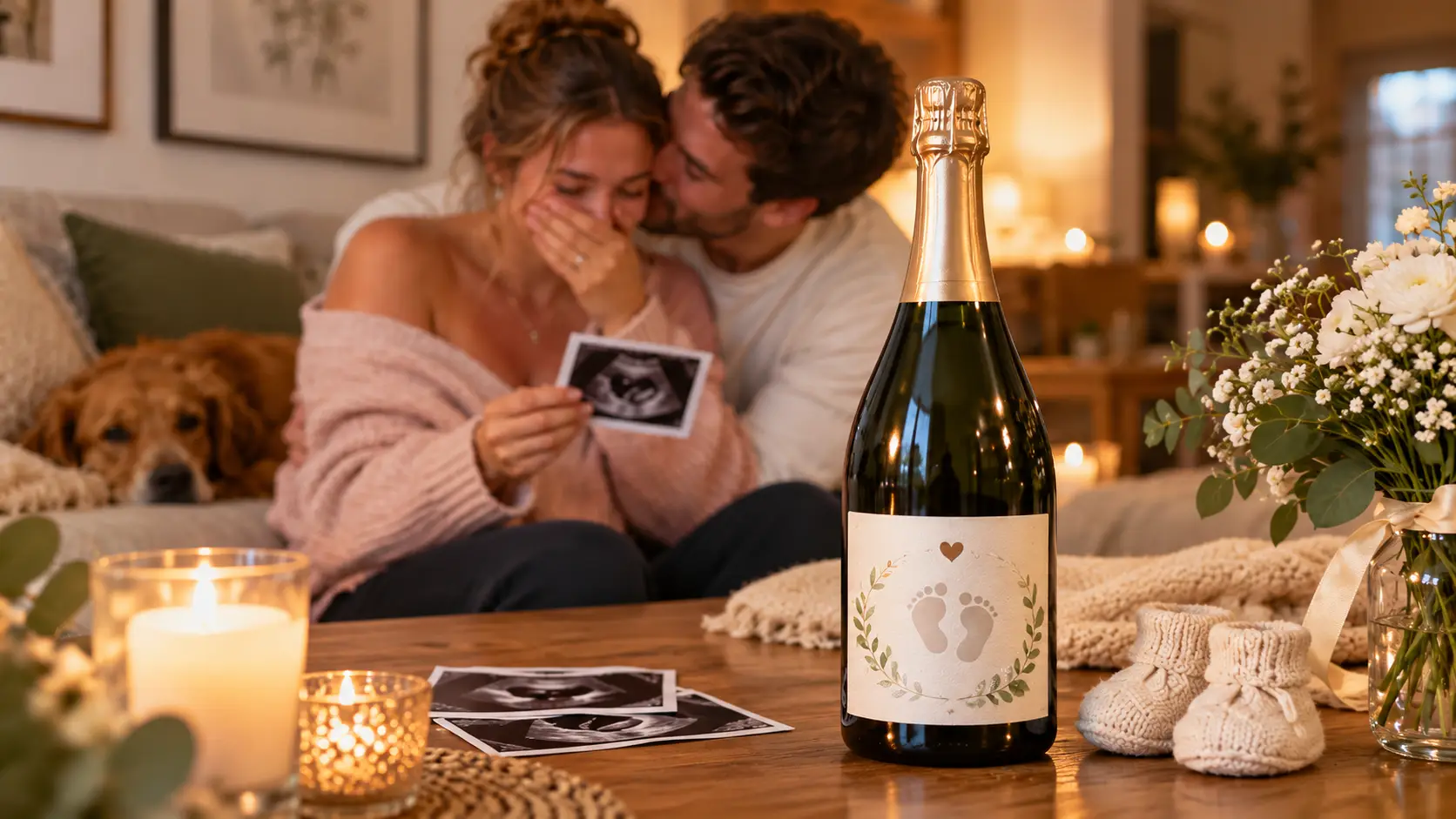
A personalized pregnancy announcement label transforms a simple bottle into a message for your loved ones. Its success depends on choosing the right text for the person who will read it, using a clear design, selecting a format suited to the bottle, and ensuring careful printing and application.
What message should you write to announce your pregnancy?
The text matters just as much as the design. Before choosing colours, one question arises: who will read the label, and do they need to understand it right away? Depending on the answer, the pregnancy announcement will be direct, hinted at with a clue or presented as a riddle.
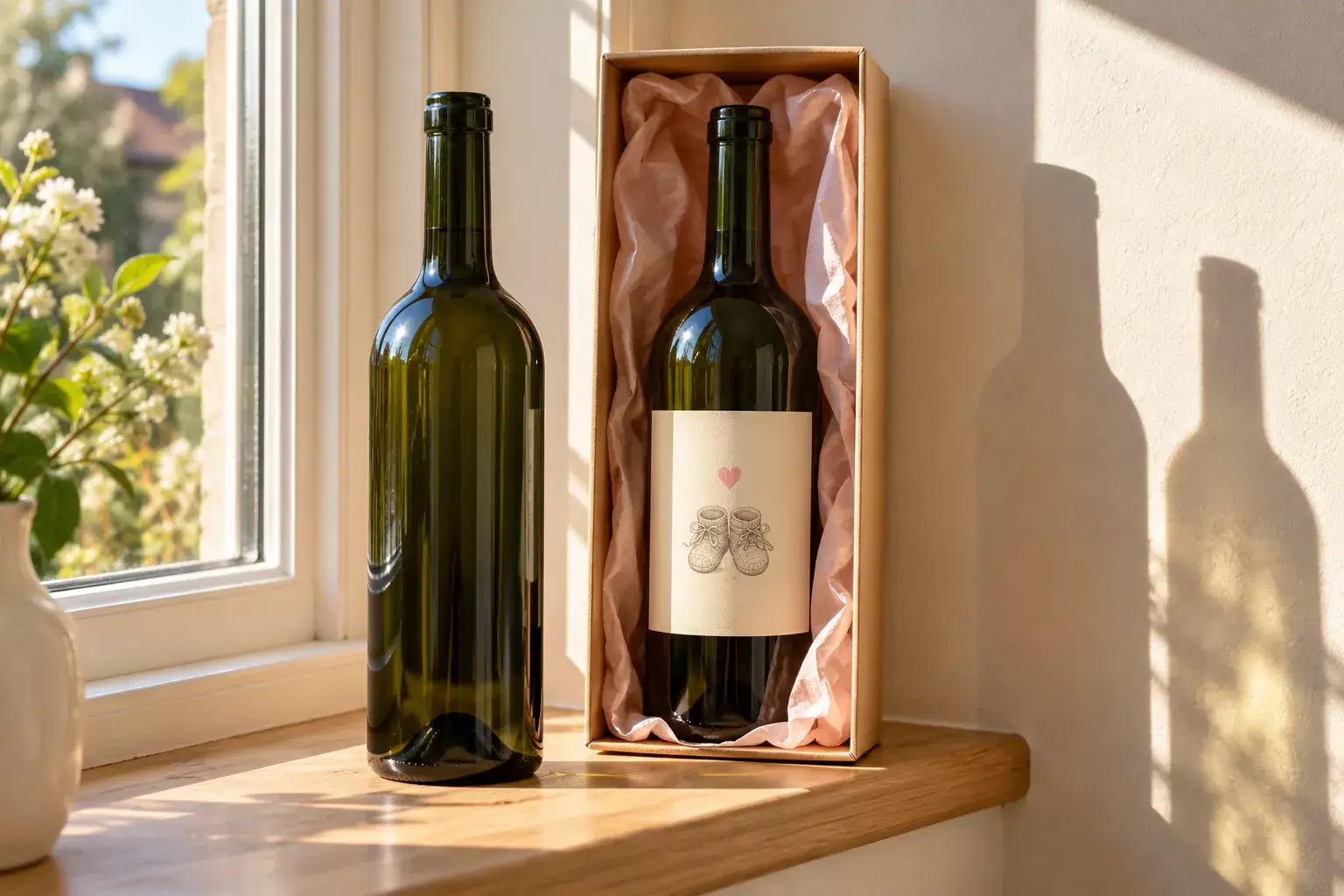
A direct announcement or a phrase to guess
A short title is often enough: it can be complemented with a first name, a date, or a short phrase. As soon as the message fits on one readable line, loved ones understand without having to look for it. For an original pregnancy announcement, wine-related wording creates a link between the message and the bottle that carries it.
- Live announcement “The family is growing,” “Baby is on the way,” or “We’re having a baby.”
- A nod to wine “Special vintage: baby on the way” or “A little cork in the making”.
- First name or mystery : the child's first name can appear on the label, while the word “baby” keeps it a secret.
- Flexible date a month or a season avoids displaying a birth date that could change.
Once you have chosen the text, reading it aloud helps ensure it is immediately understood. A riddle that is too subtle may go unnoticed around the table.
A text tailored to each loved one
Future grandparents often appreciate a personal message. The text can be addressed to each person individually: “You’re going to be a grandma”, “You’re going to be a grandpa”, or bring them together with “You’re going to be grandparents”. Votre Étiquette also offers a vintage-style label for grandparents : “New Vintage”, “Grandparents Again”, a stork and an “Expected Harvest Date” for the anticipated due date.
Other recipients call for different wording. The dad-to-be, an aunt or close friends can receive their own bottle, and an announcement addressed to an uncle follows the same logic. A request to be a godfather or godmother is often phrased as a question: “Will you be my godfather?” or “Will you be my godmother?”.
A discovery at just the right time
An older sibling can also become the messenger. “Promoted to big brother” phrases the announcement from the child’s point of view. For a gender reveal, a “It’s a girl” label is perfect for a family meal, a reveal party or a baby shower, when the message appears at serving time.
Giving the bottle as a gift or placing it on the table is an original way to let your loved ones discover the news. If you are announcing your pregnancy over a drink, a bottle of sparkling juice or another non-alcoholic beverage also works well: it avoids suggesting that the alcohol is intended for the pregnant person.
How do you create a readable design?
Once the message has been finalized, the visual must support it without overshadowing it. Colours, fonts, illustrations and photos should work together according to one simple rule: the main text is read first, followed by the design.
Colours, typography and illustrations
A personalized label gains clarity with a limited color palette. Dark text on a light background, or the reverse, makes the message readable even from a distance.
- Colours two or three main shades, with enough contrast between them.
- Typography an expressive font for the title, a simple font for secondary information.
- Illustrations Hearts, tiny feet, a stork or foliage add a touch of originality without overshadowing the announcement.
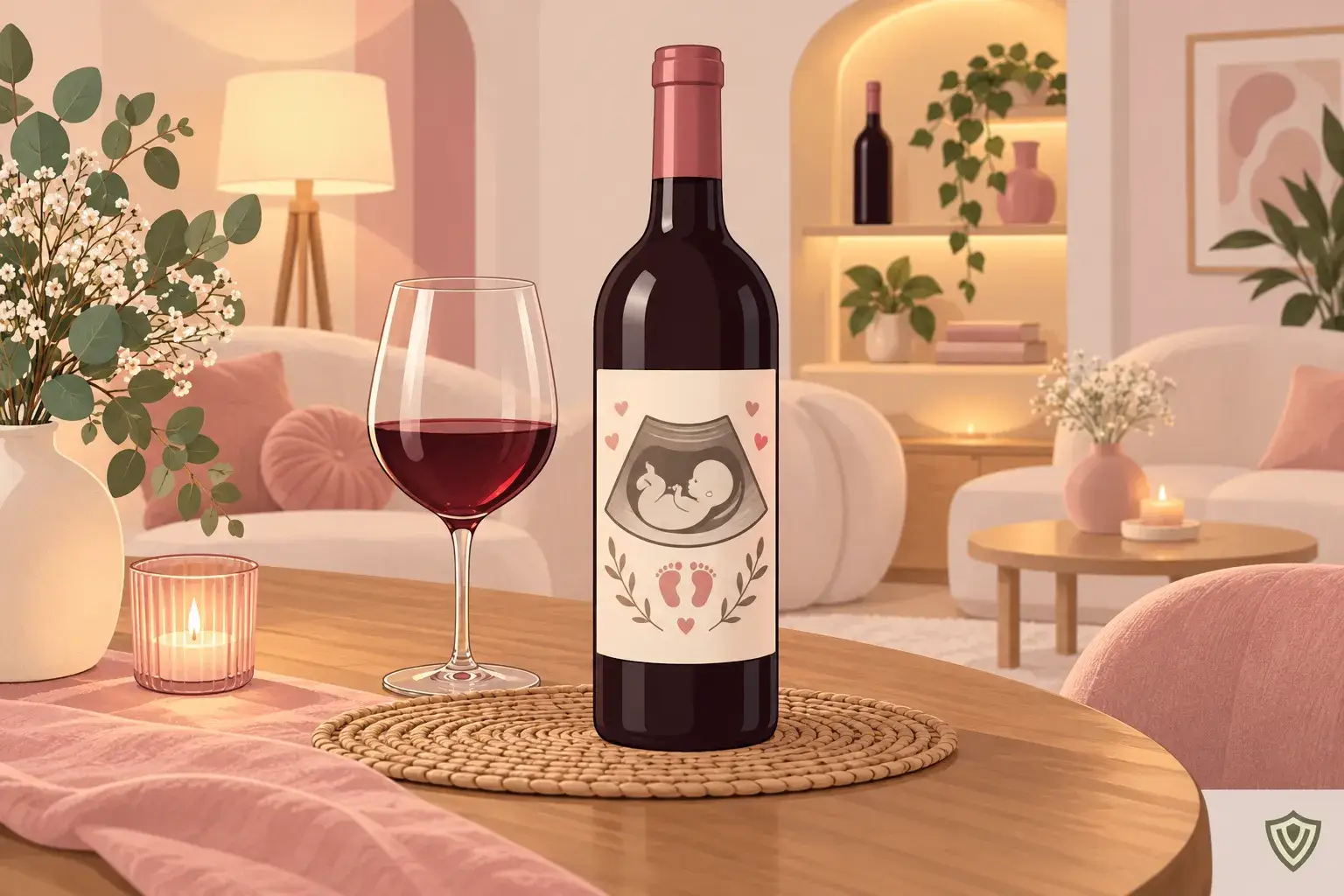
Votre Étiquette’s Tender design illustrates this balance: foliage, light-colored flowers, ribbons, hearts and golden details surround a small garment, baby footprints and a pacifier. Its text, colours and certain elements remain customizable, as shown the softly styled announcement label.
A clear, well-positioned ultrasound image
An ultrasound image can appear on the label, accompanied by the recipient's name or designation. Votre Étiquette also offers a round design centered around this motif. A low-contrast image requires a sufficiently large area, without fine text placed over it: enlarging a low-resolution file excessively will result in a blurry print.
In the design, the photo must not be stretched or accidentally cropped. Before sharing an ultrasound image or a photo of loved ones’ reactions, it is best to obtain the consent of the people concerned.
A revelation or a humorous wink
With a pink label bearing “It’s a girl”, clearly announce the sex. Conversely, the humorous "A Guy, A Girl" design It places “Girl or Boy” and an ultrasound image at the centre of the pink and blue, without necessarily revealing your baby’s gender. Ribbons, stars and little feet surround it: a first name or short phrase keeps it easy to read.
Which format and material should you choose?
Once the design has been approved, it still needs to be adapted to the bottle. The size depends on the glass, and the material depends on how it will be used: whether the bottle is kept dry or placed in an ice bucket.
Measure the actual available area
There is no universal size for a custom bottle label. Two bottles with the same capacity may offer different labeling areas: width, height, curvature, shoulders, and glass contours determine the actual usable surface.
Indicative guidelines can still help you get started. They apply equally to a wine bottle label and a rosé label, depending on the shape of the bottle.
| Bottle type | Indicative formats |
| Bordeaux | 9 × 12 cm or 10 × 15 cm |
| Burgundy | 12 × 9 cm or 8 × 10 cm |
| Alsace | 8 × 8 cm |
| Champagne (front) | 12 × 7 cm |
| Champagne (back label on the reverse) | 6 × 8 cm |
For a 33 cl beer bottle, a smaller label is often suitable. Its dimensions still need to be measured on the actual bottle.
Adapt the template to the bottle
Votre Étiquette templates are based on specific formats: 100 × 80 mm for the floral design, 100 × 66 mm for “A boy, a girl”. The grandparents’ design starts at 70 × 100 mm. In the editor, the width and height can be adjusted, the floral design is available with square or rounded corners, and custom die-cutting remains possible.
In practice, a paper template cut to the intended dimensions and placed without adhesive will reveal curves and contours. Then look at the bottle from the front to check the centring. A full-size mock-up confirms readability before preparing several personalised bottles, whether they contain wine, rosé, champagne or beer.
Choose paper and adhesive according to the intended use
Votre Étiquette prints the floral design on Cotone, a textured adhesive paper whose structured surface adds depth to the patterns. Depending on the project, matte, glossy, semi-gloss, or plant-based-look papers are also available. The material changes the feel and the perception of colours.
A standard paper self-adhesive label is mainly suitable for a wine bottle kept dry. As soon as there is cold or humidity, the durability of the entire label—material, ink and adhesive—comes into play: a waterproof film does not guarantee that the adhesive will hold.
The adhesive is selected in the editor: permanent for long-lasting adhesion, or water-soluble. For a refrigerated bottle or one placed in an ice bucket, the adhesive’s compatibility with cold, damp glass still needs to be confirmed.
How do I customize, print, and apply the label?
Once the format and material have been defined, the design moves into the editor, then on to printing and application. Each stage has its own checks, from the file to adhesion on the glass.
Prepare the design in the editor
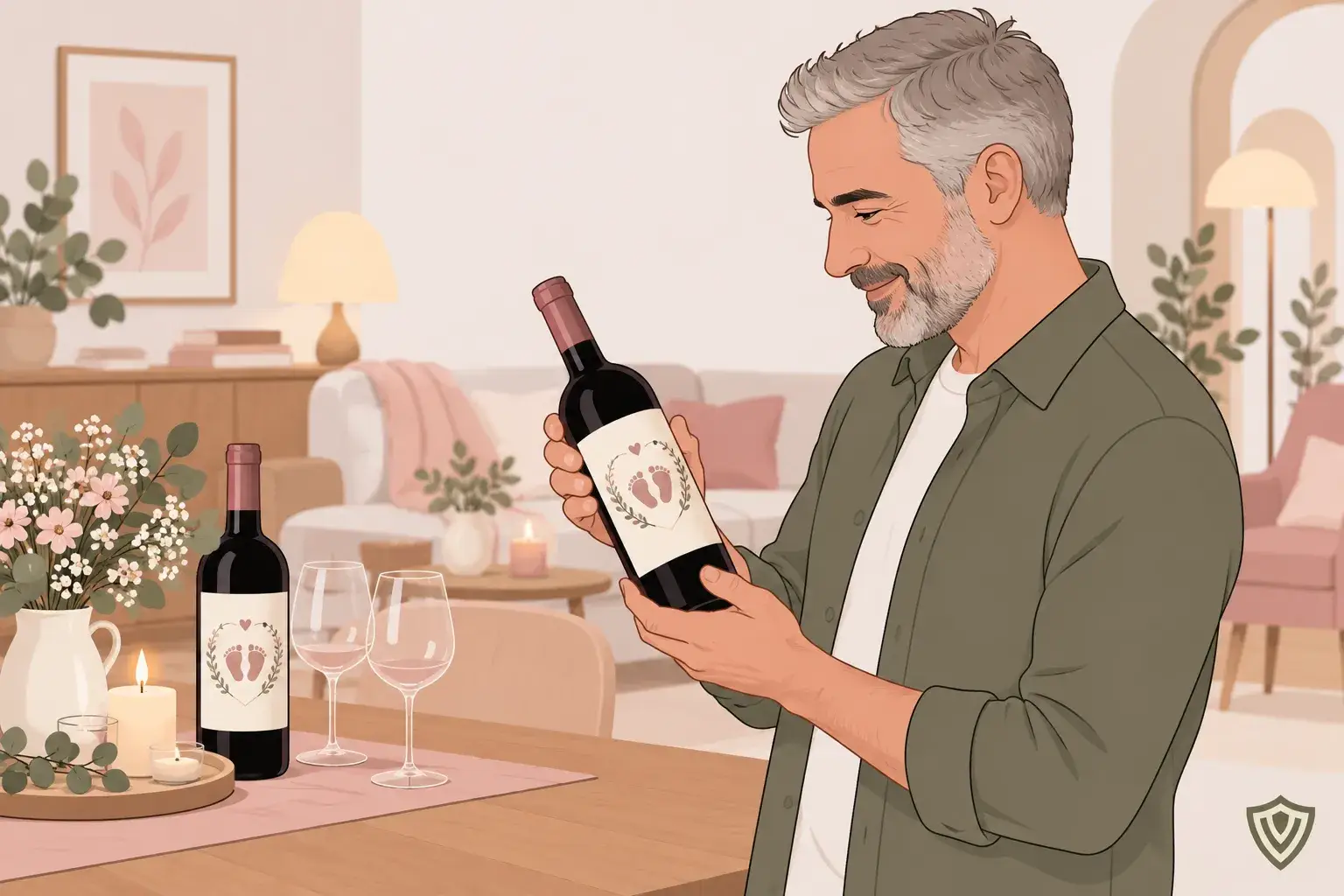
Votre Étiquette’s free online editor lets you customize a pregnancy announcement wine label without installing any software. Several options are available to you:
- Start from a template replace the text, change the colors and the format.
- Enhance the design add text, images or logos.
- Import a design Upload an existing design, preferably in PDF format.
- Check the preview Preview changes before ordering.
PDF is recommended for print quality, although PNG and JPEG can still be exported. An imported design allows for at least 1 mm of bleed This extension of the design beyond the cut line prevents a thin white border.
Specifically, a label printed at 100 × 80 mm requires a 102 × 82 mm file. The 100 × 66 mm format requires a 102 × 68.2 mm file. For 70 × 100 mm, allow for 72 × 102 mm.
Check the appearance before printing
A full-size printed proof should be assessed from the usual viewing distance of someone holding the bottle. It also shows whether the text is too close to the edges. Votre Étiquette then prints the self-adhesive label in high-definition colour using laser/LED technology, from 1 item, with no minimum order quantity and volume discounts on multiple copies.
Printing at home is still an option for trials. It requires an adhesive sheet compatible with the printer, whether inkjet or laser, and checking the scaling. Printing on standard paper should not be considered water-resistant.
Stick without covering useful information
Before applying the personalised wine label, the glass must be clean and dry, free from dust, fingerprints and adhesive residue. A cold, damp bottle must first be allowed to dry. Identify the centre and alignment during a dry run, then apply the label gradually, smoothing outwards to remove air. Finally, check the alignment, corners and edges.
Customizing a wine bottle does not replace its mandatory information. Article 13 of Regulation (EU) No 1169/2011 requires mandatory food information to remain visible and legible, a requirement reiterated by the DGCCRF for marketed prepackaged foods. Where mandatory, the health warning relating to alcohol consumption during pregnancy must therefore not be concealed beneath the label.